用 httptest.newrequest() 和 httptest.newrecorder() 可以直接测试 go http handler。核对响应状态、媒体类型和解码后的 json 字段,全程无需监听端口。

写一个固定 JSON 的 handler
在空目录执行 go mod init example.com/health,再保存 health.go。
package health

import (
    "encoding/json"
    "net/http"
)

type status struct {
    OK bool `json:"ok"`
}

func Health(w http.ResponseWriter, r *http.Request) {
    w.Header().Set("Content-Type", "application/json")
    _ = json.NewEncoder(w).Encode(status{OK: true})
}
示例只写一个固定字段,便于断言。
用 Recorder 捕获 handler 的输出
将测试保存为 health_test.go。
package health

import (
    "encoding/json"
    "mime"
    "net/http"
    "net/http/httptest"
    "testing"
)

func TestHealth(t *testing.T) {
    req := httptest.NewRequest(http.MethodGet, "/health", nil)
    recorder := httptest.NewRecorder()
    Health(recorder, req)

    response := recorder.Result()
    defer response.Body.Close()
    if response.StatusCode != http.StatusOK {
        t.Fatalf("status = %d", response.StatusCode)
    }
    mediaType, _, err := mime.ParseMediaType(response.Header.Get("Content-Type"))
    if err != nil || mediaType != "application/json" {
        t.Fatalf("unexpected content type: %q", response.Header.Get("Content-Type"))
    }
    var result status
    if err := json.NewDecoder(response.Body).Decode(&result); err != nil {
        t.Fatal(err)
    }
    if !result.OK {
        t.Fatal("expected ok=true")
    }
}
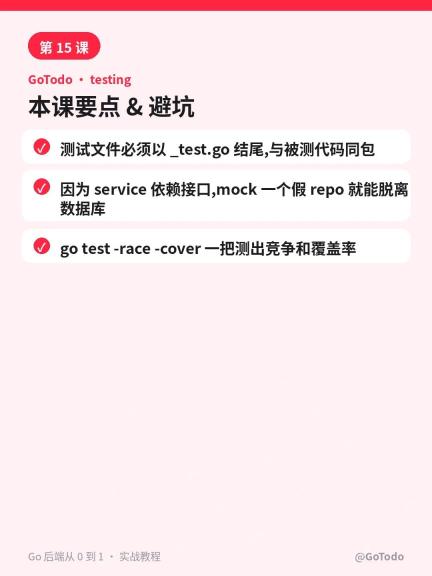

解析媒体类型能兼容响应头里的 charset 参数。解码后断言业务字段,不依赖 JSON 文本的空格和换行。
运行成功与失败对照
在模块目录执行测试。然后把 handler 的 OK 改成 false,重跑确认能发现行为变化。
go test -v
原例应通过。改成 false 后应报 expected ok=true。若要覆盖路由和中间件,将实际路由器作为被测 handler。