






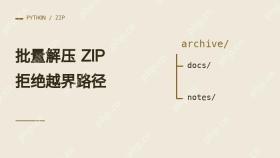
批量解压 zip 时,为每个包创建独立输出目录,逐项拒绝绝对路径、盘符和上级目录引用,再以独占方式创建文件,避免越界和覆盖。
先检查压缩包成员路径
下面示例用于本地、小型归档。以 Python 3.9 及以上运行,目录由程序新建,解压期间应由当前进程独占。
from pathlib import Path, PurePosixPath
import shutil
from zipfile import BadZipFile, ZipFile

def relative_parts(name):
    parts = PurePosixPath(name).parts
    if (not parts or name.startswith("/") or "\" in name
            or ":" in name or ".." in parts):
        raise ValueError(f"unsafe ZIP path: {name!r}")
    return parts
ZIP 规范使用正斜杠。示例拒绝反斜杠与冒号,避免成员名被其他系统解释成路径分隔符或盘符。
从新目录逐项写入
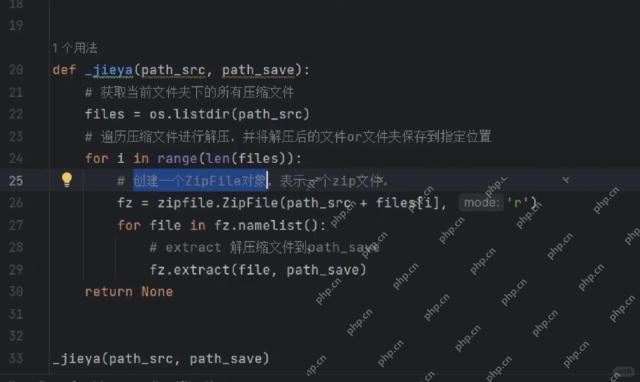
接在同一脚本中。通过 open 读取成员字节并写成普通文件。

def extract_one(archive, destination):
    with ZipFile(archive) as bundle:
        entries = [(item, relative_parts(item.filename))
                   for item in bundle.infolist()]
        if sum(item.file_size for item, _ in entries) > 50 * 1024 * 1024:
            raise ValueError("archive exceeds the demo size limit")
        destination.mkdir(exist_ok=False)
        for item, parts in entries:
            target = destination.joinpath(*parts)
            if item.is_dir():
                target.mkdir(parents=True, exist_ok=True)
                continue
            target.parent.mkdir(parents=True, exist_ok=True)
            with bundle.open(item) as source, target.open("xb") as output:
                shutil.copyfileobj(source, output)

for archive in sorted(Path("archives").glob("*.zip")):
    try:
        extract_one(archive, Path("extracted") / archive.stem)
    except (BadZipFile, OSError, ValueError) as error:
        print(archive.name, error)
先创建 extracted。已有输出目录或重复文件会被拒绝。若写入中途失败,该包可能留下部分结果,重新运行前应检查输出。对于完全不可信的归档,还需隔离运行并限制实际资源消耗。
验证越界成员会被拒绝
在空的练习目录创建带上级路径的测试包,再运行解压脚本。
from pathlib import Path
from zipfile import ZipFile

Path("archives").mkdir(exist_ok=True)
Path("extracted").mkdir(exist_ok=True)
with ZipFile("archives/bad.zip", "w") as bundle:
    bundle.writestr("../outside.txt", "demo")
预期收到 unsafe ZIP path,且 extracted 之外没有生成 outside.txt。
Python免费学习笔记(深入):立即使用
在学习笔记中,你将探索 Python 的核心概念和高级技巧!


